
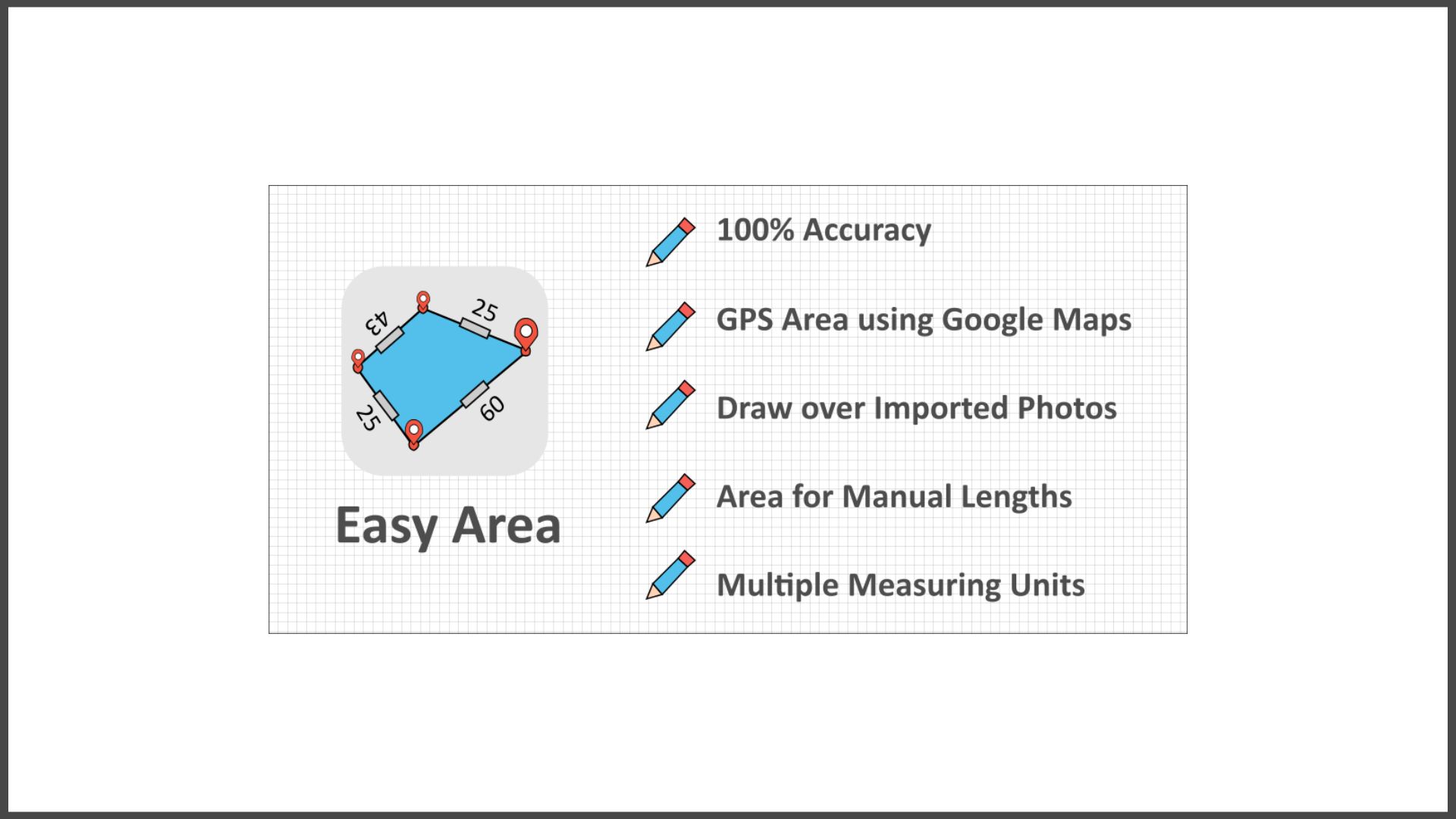
Easy Area is an area calculator app for measuring Land Area, distance and perimeters on Map or Images in the easiest way. There is a built-in Unit Converter for converting between Indian Land Units for measuring areas and distances. Measurements can be made in two ways: 1) Using maps:
You can look up the location of your land or field, as well as the current location and the border of the region for which a distance or area must be calculated. You can locate the area on the maps without knowing anything about any previous measurements. 2) Importing Photo – You can import a photo of land, field or any other structure of randomly shaped polygon.
To take the measurements, simply draw over the imported image. In order to set the image’s scale ratio, you must provide the distance of the first line. – If you need to calculate the area for distance measurements of your land boundaries taken by yourself or by a regional Patvari (Government Accountant), you can use this feature. – Simply create a rough sketch and put the measured lengths for boundaries to get the area calculated at real time.
– Any Unit can be used to convert the calculated area. The unit converter supports both metric and imperial units, as well as the most important Indian units utilized for state land records. Fantastic Features: – 100% Accuracy of the areas calculated using Coordinate and Spherical geometry.
– Displays point to point distances for each line created on the map.
– Distances by hand You can input land border measurements manually. To manually alter the length of any line, tap on its distance label.
At the moment, only when measuring from photos is available. – Multiple Layers that can be used to measure multiple areas on the same map. – Save and load calculated measurements.
– Link to your saved area for sharing You can share the link. The area can be updated by the user who has the link. – Infinite zooming and scrolling of the map with standard gestures.
– Simple tools for adding, editing, and deleting points on the map. – To add a new point, simply tap. – Tap to select a Point, drag and drop the selected point to easily change position.
– To add a new point at any position, double-tap on any line. – Separate Area and Distance Measuring Units with instant calculation.
Major India Units Included are as follows:
– Bigha
– Biswa
– Aankadam
Shatak – – Perch
– Rod
– Vaar (Gujarat)
– hectoliter – Acre
– Are
– Guntha
– Marla
– Cent
– ground and many more..







